

Let Me Sleep – Cute School Escape Game
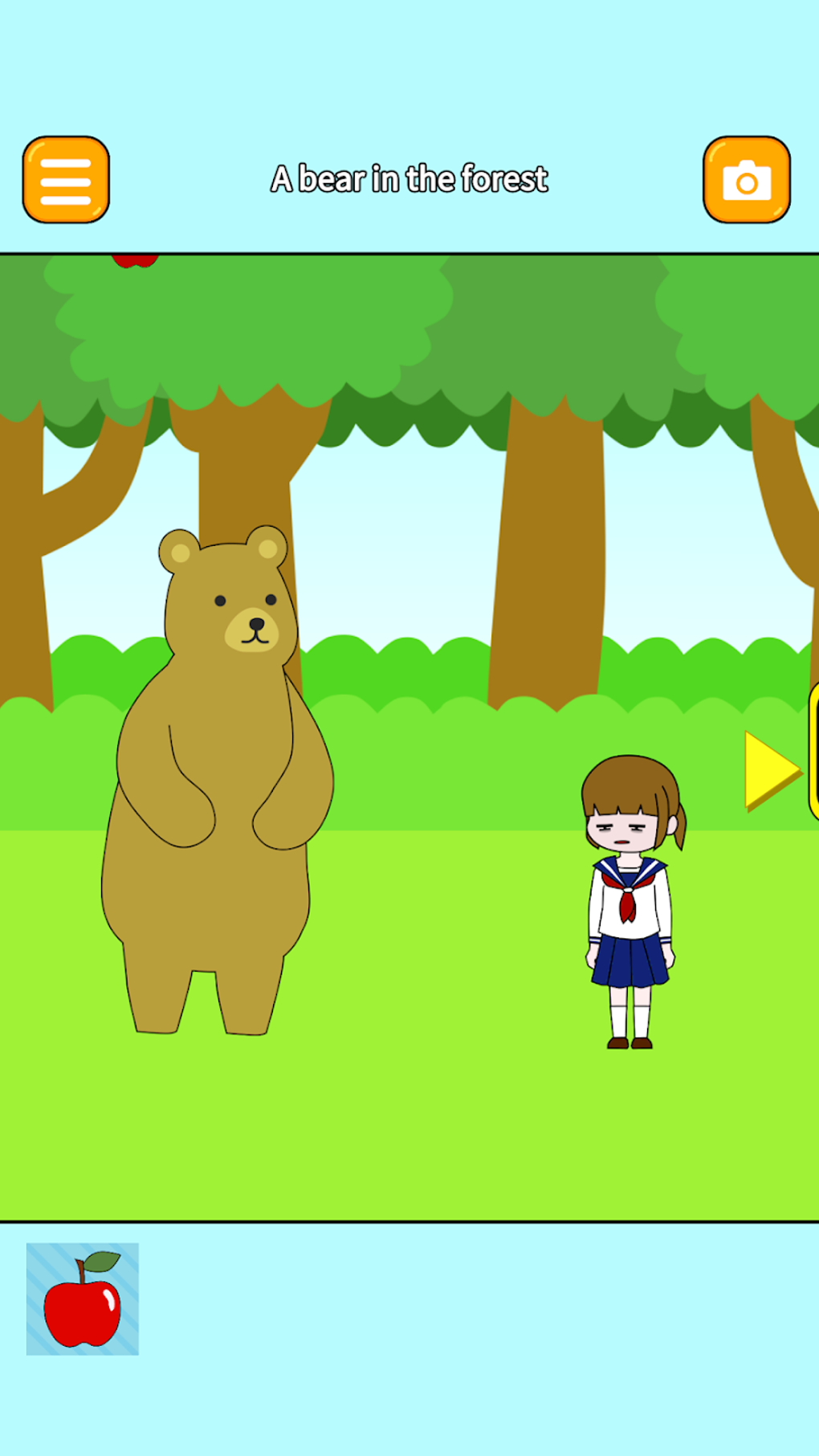
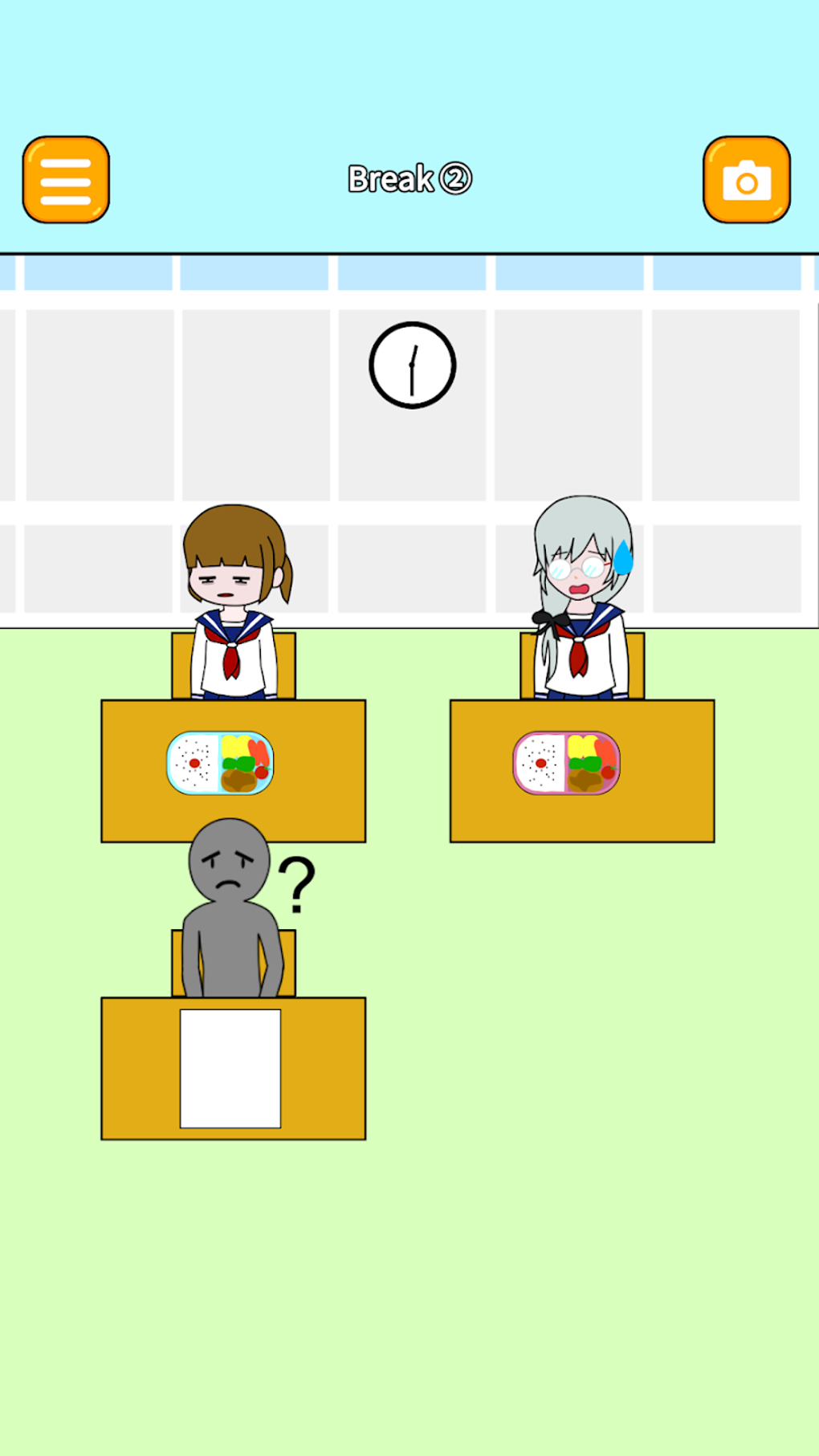
Download the latest version of Let Me Sleep today and experience a charming escape game where you guide a sleepy high schooler through a drowsy school day. Designed for casual players and fans of lighthearted simulation games, this freemium title blends puzzle-solving with a relatable school-life theme. The game centers on a high school girl who pulled an all-nighter to study, now struggling to stay awake during her daily routine. Players must navigate through 20 bite-sized levels, each filled with interactive elements that challenge focus, timing, and decision-making. Success depends on smart choices—like choosing the right outfit or timing your nap just right—while avoiding failure states such as dozing off during class.
The game’s premise resonates with students, young adults, and anyone who’s ever battled sleep during a long day. It’s ideal for short play sessions, making it perfect for breaks between tasks or late-night relaxation. With its soft art style and whimsical tone, Let Me Sleep delivers a cozy, low-pressure experience. The developer, Rivero Yuichi Sato, is known for other casual titles like Panda Cafe and Idle Skeleton, suggesting a consistent focus on accessible, feel-good gameplay. While the game is short in length, its collectible outfits and in-game photo mode add replay value, encouraging players to revisit levels for completionist goals.
Key Features & Capabilities
- 20 Bite-Sized Levels – Each level presents a unique scenario from a sleepy student’s school day, from morning routines to afternoon classes, requiring players to manage time, energy, and choices to succeed.
- Interactive Puzzle Elements – Players must engage with objects like alarm clocks, textbooks, and classroom desks to progress, with some actions leading to failure if misused.
- Outfit Collection System – Unlock and collect cute outfits across levels, adding visual variety and encouraging multiple playthroughs for full completion.
- In-Game Photo Mode – Use the built-in camera to capture and share memorable moments from your gameplay, enhancing social engagement and personalization.
- Hint System via Ads – When stuck, players can watch a short advertisement to receive a hint, maintaining accessibility without forcing purchases.
These features combine to create a lightweight, narrative-driven experience. For example, in a level set during a math class, players might need to choose between pretending to sleep or faking attention to avoid being called on. Success leads to a level clear, while poor decisions result in a failure state, such as being scolded by the teacher. The outfit system rewards exploration and persistence, while the photo mode allows players to preserve fun moments. These mechanics are designed to appeal to casual gamers who enjoy low-stress, story-adjacent gameplay with a touch of humor and charm.
User Interface, Workflow & Performance
The user interface is clean and minimal, designed with simplicity in mind. Navigation is intuitive, with clear visual cues guiding players through each level. Menus are straightforward, and the main gameplay screen displays essential information such as current task objectives and available actions. Interaction is primarily touch-based, though the game is optimized for both mouse and keyboard input on desktop platforms.
Workflow efficiency is strong for a casual title—players can start and stop sessions quickly, with no loading screens between levels. The game maintains a steady frame rate during normal play, though performance details were not specified by the developer. The interface responds promptly to input, with no noticeable lag.
Stability appears consistent across test environments, though no official reports on crashes or bugs were provided. The developer did not specify resource usage details, so CPU and RAM behavior remain unknown. Overall, the experience is smooth and unobtrusive, fitting well within a desktop environment for short, relaxed sessions.
Compatibility & System Requirements
Let Me Sleep is available for both Windows and Mac operating systems. The software version is 1.0, with a file size of 500 MB. This suggests a modest installation footprint, suitable for most modern desktop systems.
However, exact system requirements were not listed by the developer. Compatibility information is limited to the supported platforms, with no mention of specific hardware or OS version thresholds. Users should ensure their system meets general desktop application standards.
The developer did not provide additional system requirements, so installation and operation may depend on standard desktop capabilities.
Pros and Cons
Pros
- Cute, charming art style with a relatable school-life theme
- Short, accessible levels perfect for casual play sessions
- Collectible outfits and photo mode boost replayability
- Freemium model with ad-based hints keeps gameplay accessible
- Lightweight installation size (500 MB) for quick setup
Cons
- Intermittent ad displays may disrupt gameplay flow
- Only 20 levels, which may feel brief for some players
- Limited depth in gameplay mechanics beyond puzzle-solving
- Exact system requirements not specified
- Photo mode and collectibles may not appeal to all audiences
FAQ Section
Is Let Me Sleep available for Windows and Mac?
Yes, Let Me Sleep is compatible with both Windows and Mac operating systems.
Is the game free to download and play?
Yes, Let Me Sleep is free to download and play. It uses a freemium model with optional ads for hints.
Does the game require an internet connection?
The game can be played offline after installation. However, ad-based hints require an internet connection when accessed.
Are there in-app purchases in Let Me Sleep?
While the game is free to play, it does not feature traditional in-app purchases. Players can access hints through ads instead.
How often are updates released for Let Me Sleep?
Information about update frequency was not provided by the developer. Players should check the official release page for the latest version.
Final Thoughts & CTA
Let Me Sleep delivers a delightful, low-stakes escape game experience with a sweet premise and polished casual gameplay. Its charming visuals, short levels, and collectible elements make it ideal for students, fans of simulation games, and anyone seeking a relaxing break. While the game’s brevity and ad interruptions may limit appeal for hardcore players, its freemium structure ensures accessibility. The combination of puzzle-solving, light narrative, and replayable content offers a satisfying experience for its target audience. If you enjoy cute, story-driven games with a touch of humor, Let Me Sleep is worth your time.
Download Let Me Sleep now and guide a sleepy student through a day full of drowsy decisions.







